Explore PDF editing tasks.
You should not need to remember which tool does what. Choose the job you need to finish and open the right workflow.
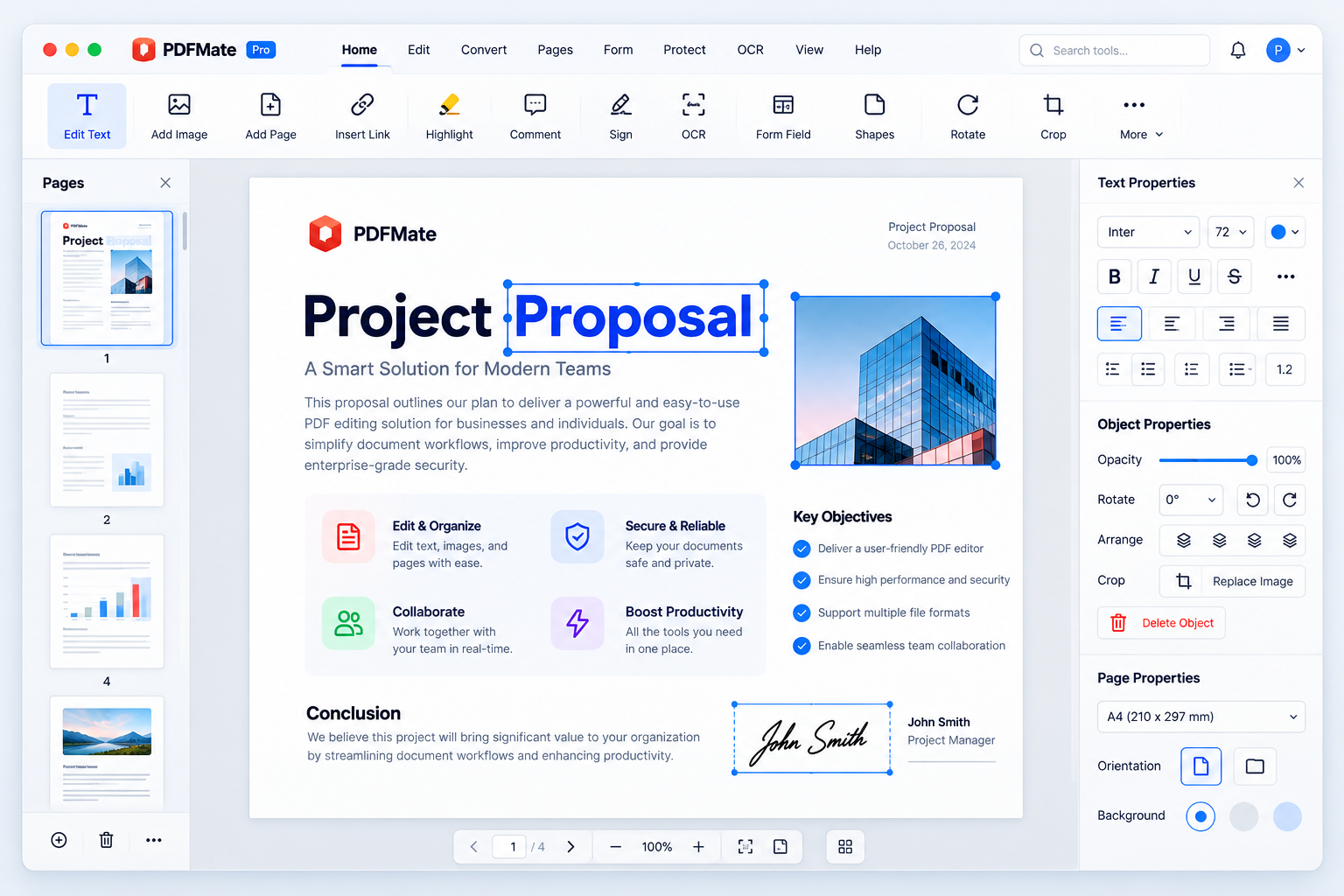
Ten everyday jobs, one workspace.
Each task belongs to the same Smart PDF Pilot Mac workspace, so the document can move from one step to the next without a browser upload loop.
Edit PDF
Change text, images and links directly on the page.
Merge PDF
Combine many files into one clean, ordered document.
Compress PDF
Make files small enough for email and uploads.
Convert PDF
Move content to Word, Excel, PowerPoint or images — and back.
OCR PDF
Turn scanned pages into searchable, editable text.
Sign PDF
Draw, type or upload a signature and finish on screen.
Fill PDF forms
Complete interactive and flat forms without printing.
Split PDF
Pull out the exact pages someone else needs.
Protect PDF
Add passwords and permissions before you share.
Rotate PDF
Fix sideways and upside-down pages for good.
What can you do with a PDF editor?
A short walkthrough of the workflow. Set your own video link in js/main.js and this player will use it.
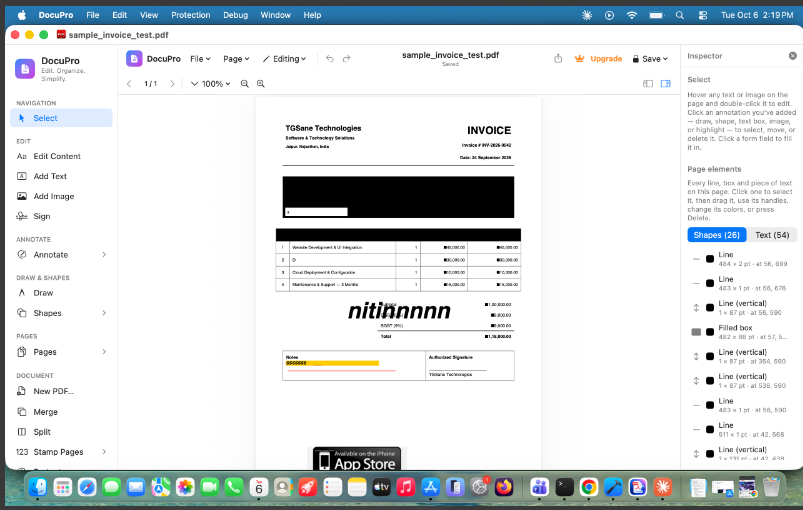
Less switching. More finishing.
Most people end up with a different website or app for every PDF job, and a download-and-upload step between each one. Every extra step is another chance for a file to get lost, renamed or left behind.
Smart PDF Pilot keeps the whole chain in one place, so the edit, the signature and the final compression all happen to the same document.
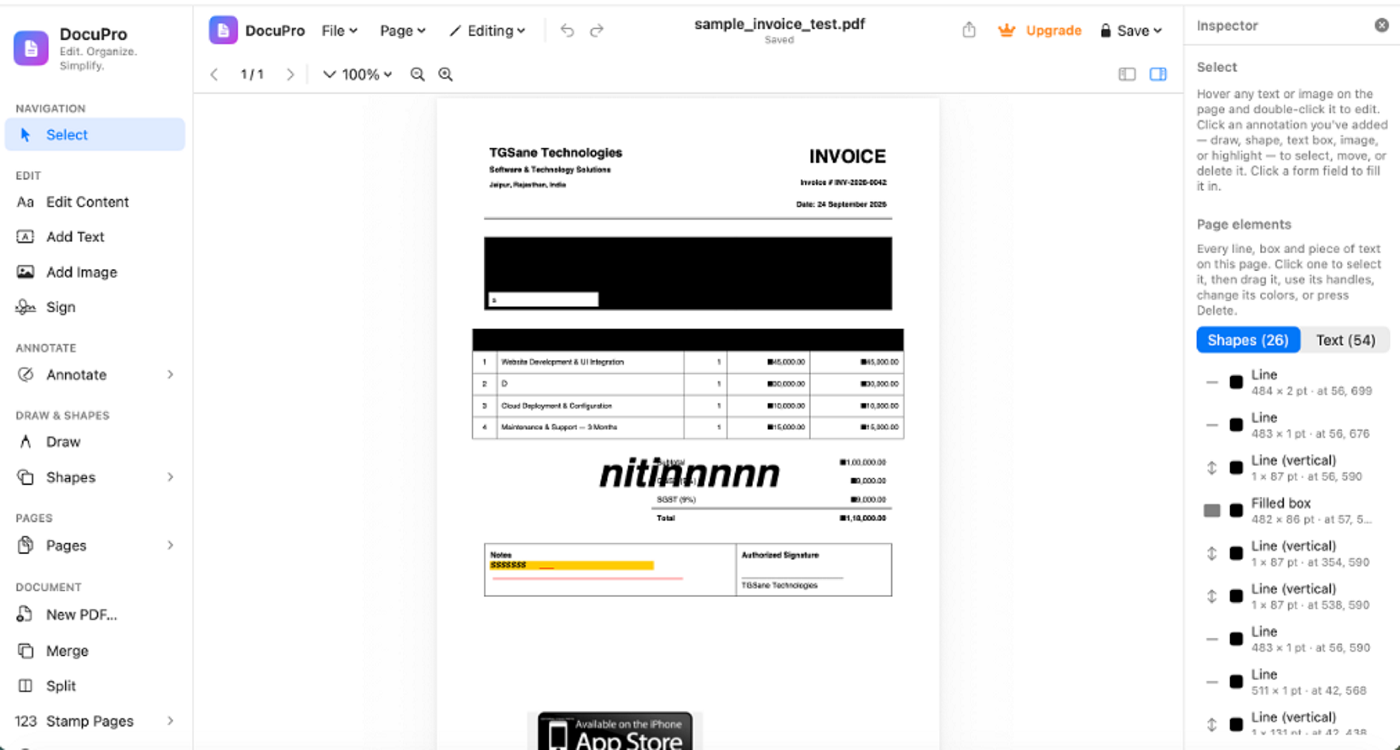
Your next PDF can take fewer steps.
Start with the task in front of you. Upgrade only when the work calls for it.