Your PDFs, ready
for everyday work on Mac.
Smart PDF Pilot is a Mac desktop app for working with PDFs in one focused workspace. Edit existing content, add text and images, sign and annotate documents, draw on pages, and manage your PDF files with practical tools.
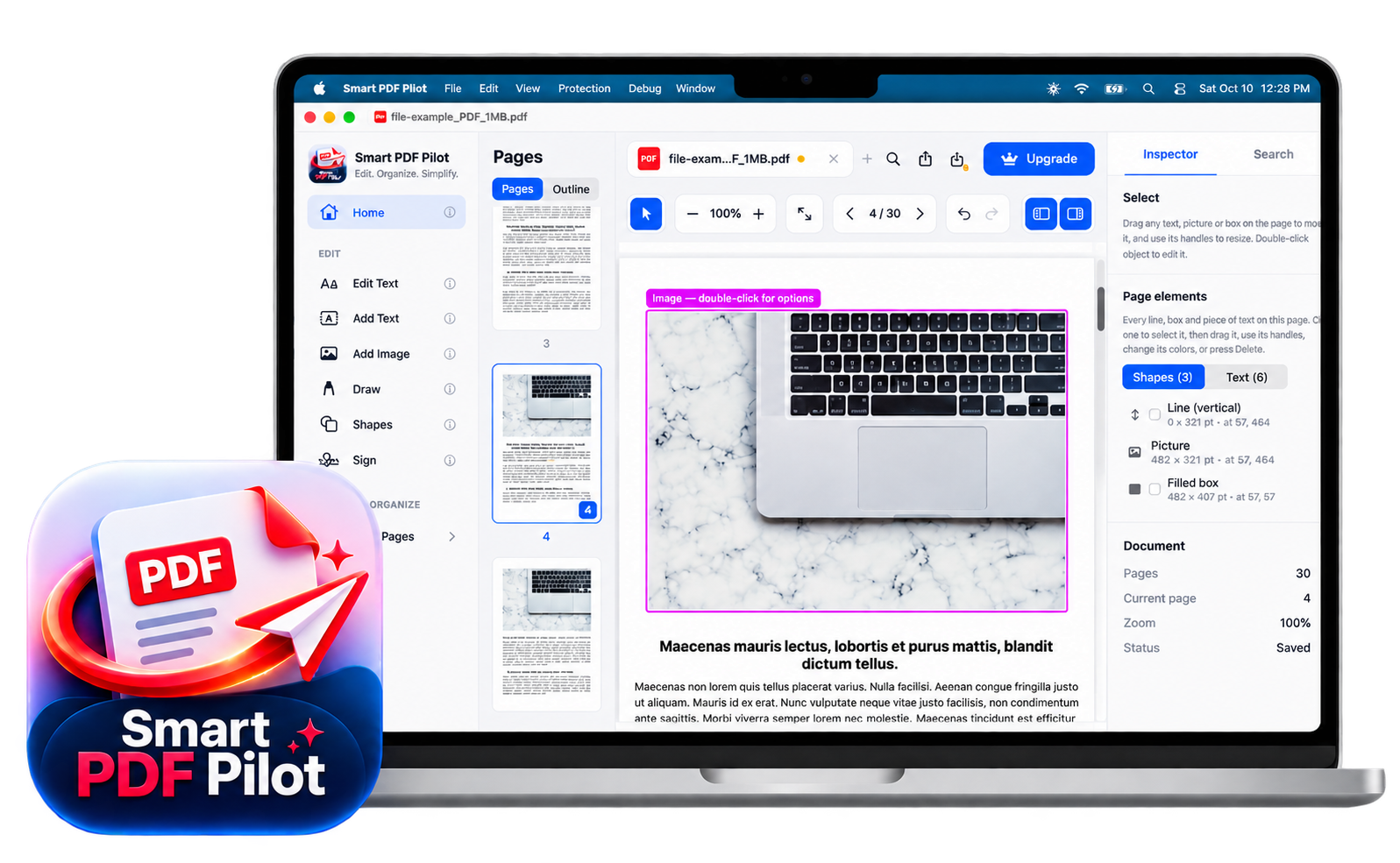
Edit PDF content on your Mac.
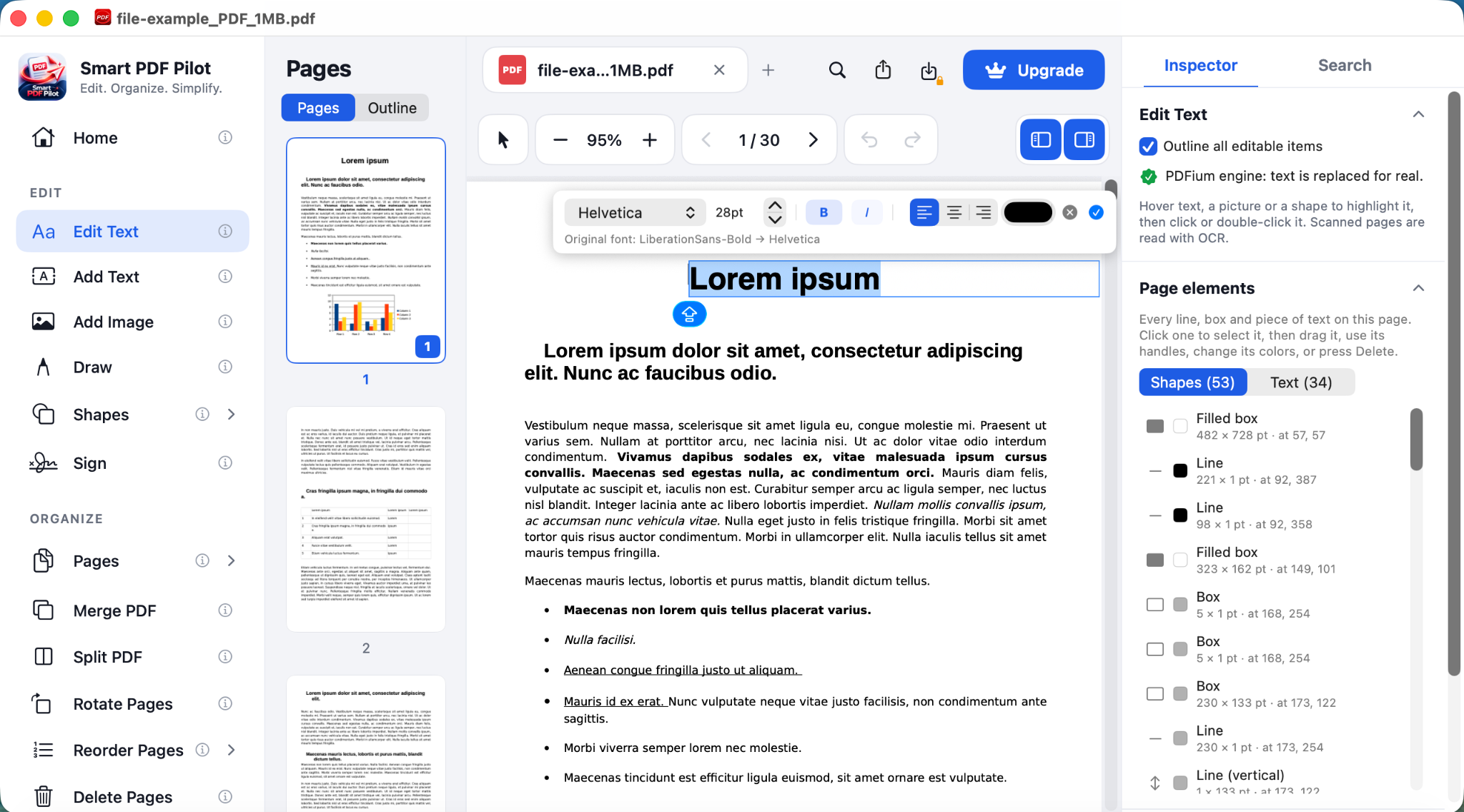
Make practical changes to an existing PDF from the Smart PDF Pilot desktop workspace. Select content, update text, add images, and use the Inspector to adjust selected elements.
- Select content on the page
- Edit text and add new text
- Insert images where needed
- Adjust selected elements in the Inspector
Keep PDF pages in order.
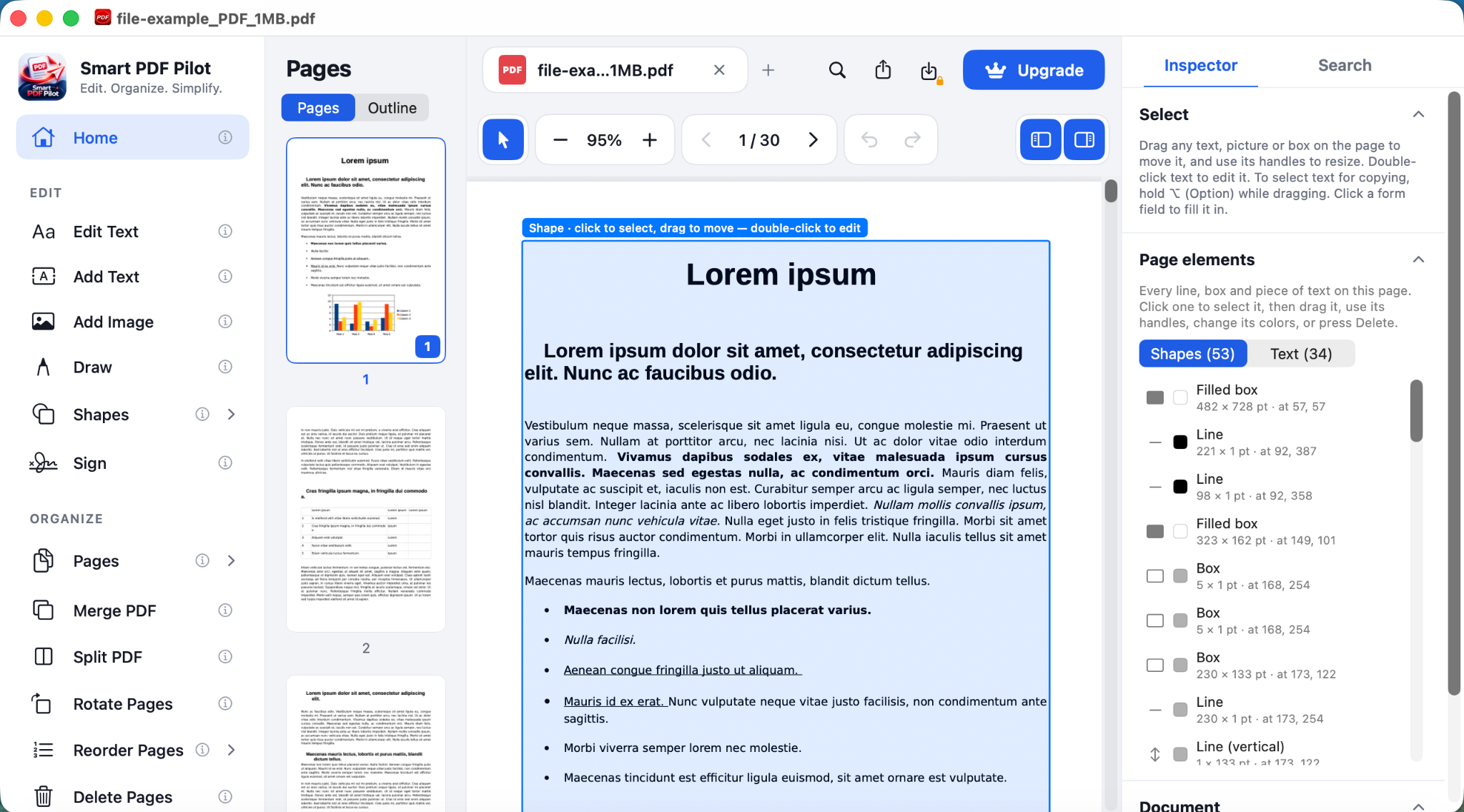
Use the page tools to prepare documents for the way you need to read, share, or archive them. Smart PDF Pilot brings page management and document actions into the same Mac workspace.
- Manage pages in your document
- Merge PDF files
- Split a PDF into separate files
- Stamp pages when needed
Mark up pages and make notes.
Use annotation, drawing, and shape tools to call attention to important details, add visual notes, or mark up a document during review.
- Annotate PDF pages
- Draw directly on the document
- Add shapes and visual markers
- Keep your review tools close at hand
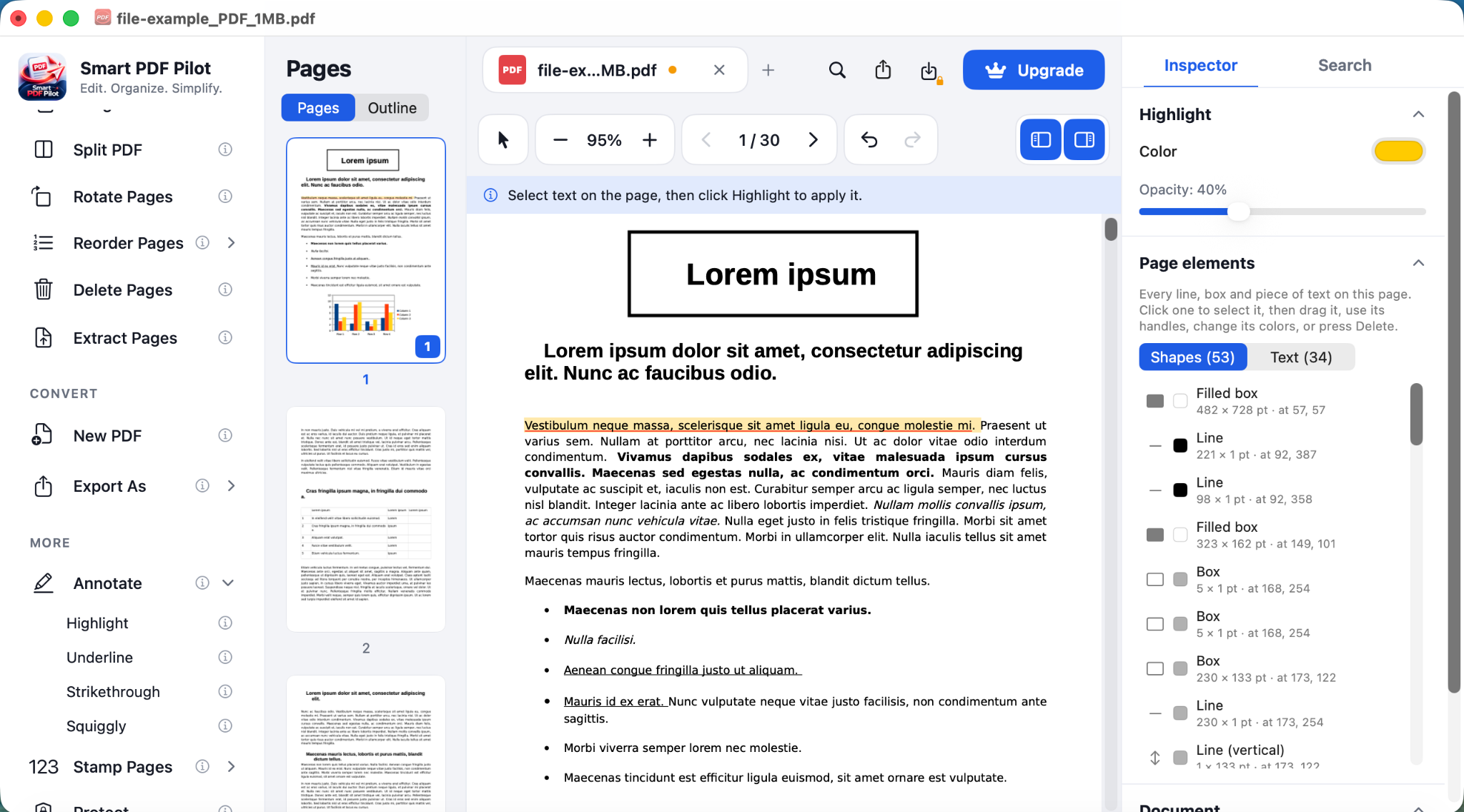
Everyday PDF tools, together in one app.
Explore the tools shown in the Smart PDF Pilot Mac workspace and choose the one that fits your task.
A simple workflow for your PDFs on Mac.
Open a document in the desktop app, choose a tool from the workspace, then review and save your changes.
Open your document
Start with a PDF in the Smart PDF Pilot Mac app.
Choose a tool
Edit content, add text or images, sign, annotate, draw, or manage pages.
Review and save
Check your changes and save the finished document.
Bring your everyday PDF tasks into one workspace.
Explore the Smart PDF Pilot Mac app and see how its editing, annotation, signing, and page tools fit your workflow.